
Managing Complex Retail Staff Schedules With Integrated Software
Learn how integrated workforce management software simplifies complex retail staff schedules by connecting labor, demand, availability and store workload.

Retail staff scheduling becomes more difficult as the number of employees, stores and variables involved increases.
Managers need to consider employee availability, labor budgets, customer traffic, sales forecasts, roles, time-off requests and changing store requirements. At the same time, employees need schedules that are accessible and flexible enough to accommodate the realities of frontline work.
Integrated workforce management software can make complex retail staff scheduling easier by bringing more of those inputs together.
Instead of managers piecing together information from spreadsheets, emails, separate systems and their own experience, an integrated platform can help retailers connect demand, labor, employee availability, store workload and performance within the workforce planning process.
The result is not simply faster schedule creation.
It is the ability to make scheduling decisions with more of the context required to put the right people in the right place at the right time.
Take control of your store performance
Book a demo with StoreForce today and run your retail operations better tomorrow.
Book A Demo
Why Do Retail Staff Schedules Become So Complex?
A basic employee schedule answers a straightforward question:
Who is working and when?
Getting to that answer can be considerably more complicated.
Imagine a manager building next week's schedule.
They need to know which employees are available, who has requested time off, how many hours they can schedule, which roles need coverage and when the store is expected to be busy.
Then there are the operational requirements.
Is a shipment arriving? Is there a promotion launching? Does the store have training to complete? Is there a floor set or inventory count planned? Each creates additional demand for employee time. The manager is therefore not simply filling shifts. They are trying to match a finite workforce and labor budget against changing customer and operational demand.
Integrated software helps by bringing more of the information behind those decisions into the same workforce planning environment.
What Are the Biggest Benefits of Integrated Workforce Management Software?
1. Bring Scheduling Information Together
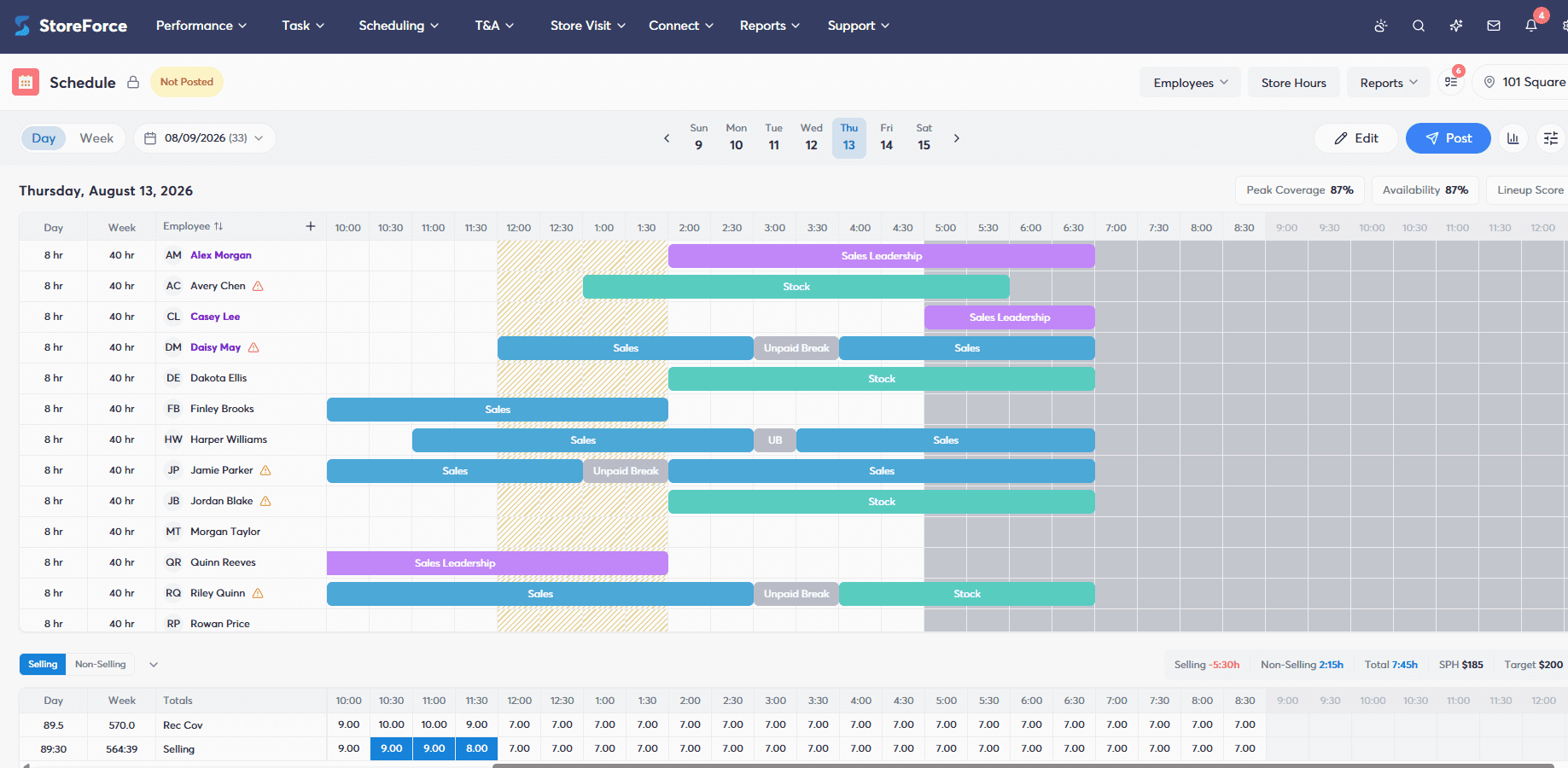
One of the biggest benefits of integrated workforce management software is reducing the amount of information managers have to assemble themselves.
Without integration, different scheduling inputs may exist in different places.
Employee availability might be maintained in one system. Labor budgets may live somewhere else. Traffic forecasts could come from another source. Operational priorities may arrive through email or a task management application.
The manager becomes responsible for connecting everything.
An integrated workforce platform can bring more of those inputs into the scheduling process.
That gives managers greater visibility into factors such as:
Employee availability
Customer traffic and demand
Labor requirements and budgets
Store operating requirements
Roles and coverage needs
Operational workload
Instead of simplifying scheduling by ignoring complexity, integrated software can simplify it by handling more of that complexity behind the scenes.
2. Reduce Manual Scheduling Decisions
Retail managers make countless decisions while creating a schedule.
Who is available?
How many people do we need?
Can we stay within our labor budget?
Do we have the appropriate roles covered?
Where are the gaps?
What happens if someone cannot work?
The more employees and shifts involved, the harder it becomes to manage those decisions manually.
Integrated scheduling software can automate parts of that process by applying workforce information, demand requirements and scheduling rules when creating the plan.
This does not mean removing the manager from scheduling.
It means giving the manager a stronger starting point.
Instead of building every shift from scratch and manually checking every variable, managers can spend more of their time reviewing the workforce plan, making adjustments where necessary and focusing on exceptions that actually require their attention.
3. Match Labor More Closely With Customer Traffic
Retail demand is rarely consistent throughout the day.
A store might be quiet when it opens, build steadily toward lunch and experience its largest customer opportunity during the afternoon.
Scheduling the same amount of coverage throughout that period would not necessarily make sense.
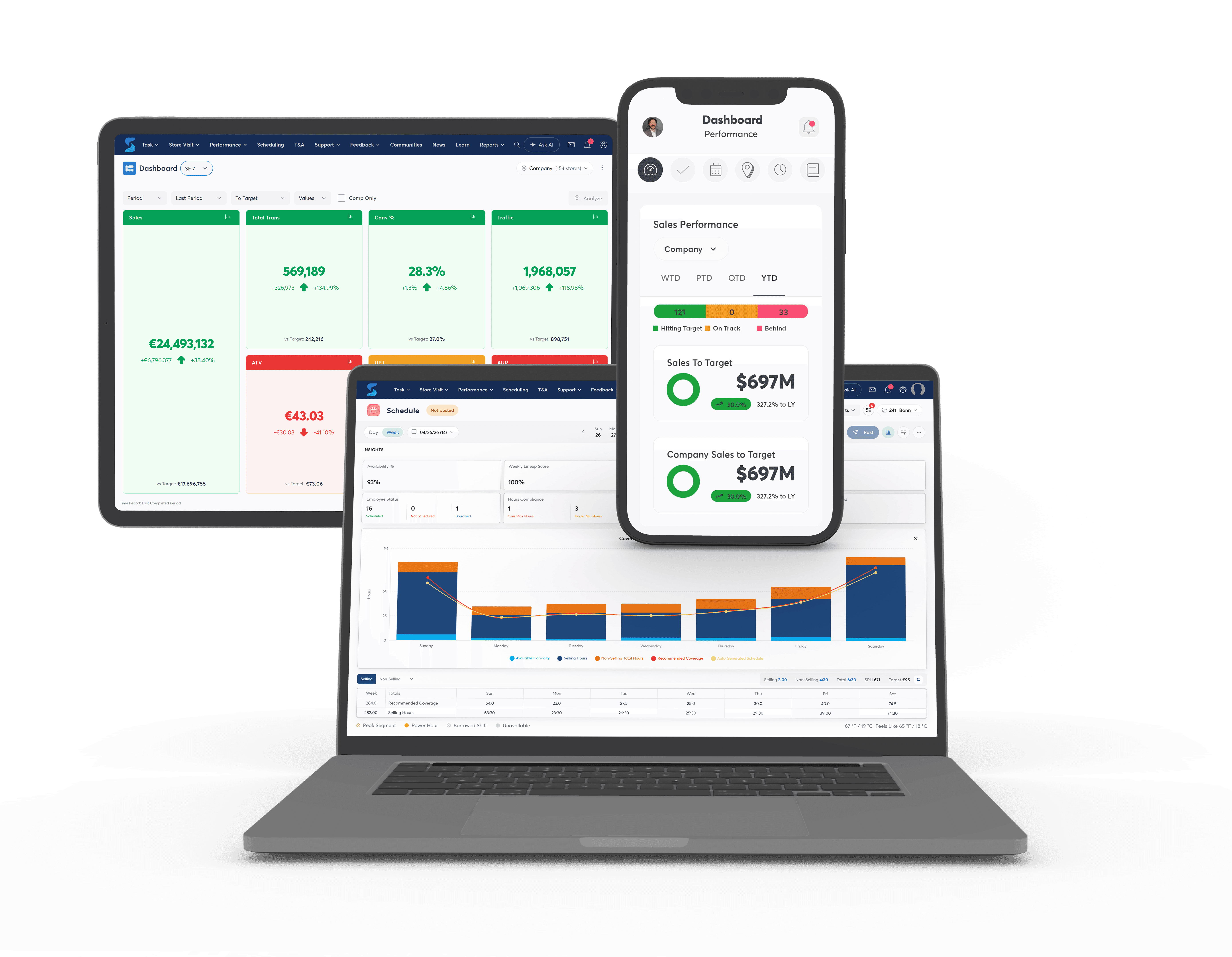
Integrated workforce management software can use customer traffic, sales forecasts and historical patterns to help determine when stores require labor.
Those requirements can then inform scheduling decisions.
This is important because having the correct number of weekly labor hours does not necessarily mean those hours are being used effectively.
A retailer could have the right total labor budget but still schedule too many employees during quieter periods and too few during peak periods.
Integrated software helps retailers think about not only how much labor is available, but where those hours should be placed.
That can help stores protect their biggest customer opportunities without simply adding more labor.
4. Consider Store Workload Alongside Customer Demand
Customer traffic is not the only thing creating demand for employee time.
Retail stores also have operational work to complete.
Shipments need to be received. Promotions need to be launched. Inventory needs to be counted. Visual changes need to be completed. Employees need training. Stores have opening, closing and compliance routines.
A relatively quiet customer day can still require significant labor because of everything else happening in the store.
This is where integration between workforce management and task management becomes particularly valuable.
Retailers can consider both sides of labor demand:
How much employee time will customers require?
and
How much employee time will store operations require?
That provides more context when determining labor requirements and building schedules.
A store with lower expected traffic but a major shipment may need a different workforce plan from a store with the same expected traffic and very little operational workload.
Integrated software can help make those differences more visible.
5. Make Employee Availability Part of the Workforce Plan
Employee availability is another major source of scheduling complexity.
Retail workforces often include full-time and part-time employees with different availability, preferences and time-off requirements.
When that information is managed manually, changes can create significant administrative work for managers.
Digital workforce management gives employees a more structured way to communicate availability and manage relevant scheduling information.
That information can then become another input into schedule creation.
The important distinction is that availability does not have to determine the workforce plan by itself.
The retailer can first understand when the store needs coverage and then consider which employees are available to provide it.
This helps shift the scheduling process from:
Who can work next week?
toward:
Who can work when our stores actually need them?
6. Respond More Easily When Schedules Change
No retail schedule stays perfect for long.
Employees call in sick. Availability changes. Time-off requests appear. Customer demand shifts. Stores encounter unexpected workload.
The more complicated the original schedule is, the more difficult those changes can be to manage manually.
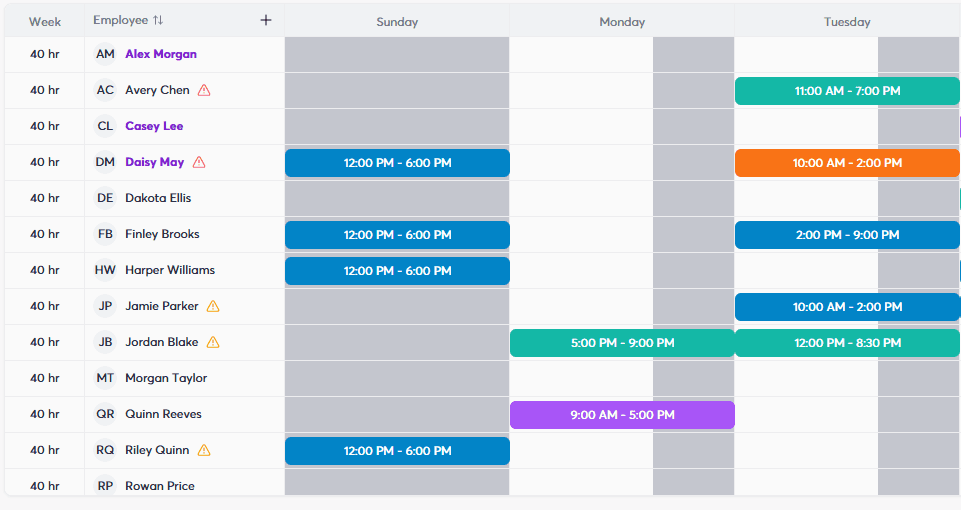
Integrated software gives managers and employees a shared digital environment for managing schedules and responding to changes.
Depending on the workforce process, employees can have greater visibility into their schedules and opportunities to manage shift-related requests, while managers retain visibility into coverage and workforce requirements.
That can reduce the amount of scheduling administration handled through phone calls, text messages, paper notes or separate conversations.
More importantly, managers can evaluate changes in the context of the workforce plan.
Replacing an employee is not simply about finding another person who can work.
Managers still need to consider whether the replacement provides the coverage the store requires.
7. Create Greater Consistency Across Multiple Locations
Scheduling complexity increases significantly as retailers add stores.
A retailer operating hundreds of locations cannot rely on every manager independently developing their own scheduling process.
At the same time, every store should not necessarily have the same schedule.
Locations can have different opening hours, traffic patterns, sales volumes, employee availability and operational requirements.
Integrated workforce management software can provide a consistent scheduling framework while still allowing workforce plans to reflect local store needs.
The organization can establish common rules and processes while using store-specific demand and workforce information to determine actual coverage.
That balance is important.
The goal is not to make every store operate identically.
It is to create a more consistent way of making scheduling decisions across stores that are inherently different.
8. Connect Scheduling With Store Performance
A schedule is a plan.
Retailers still need to understand whether that plan worked.
Integrated workforce platforms can connect scheduling with store performance information, giving managers and retail leaders greater context around what happened after the schedule was published.
For example, leaders may be able to consider:
What customer traffic did we expect?
How much labor did we schedule?
Where did we place that labor?
What actually happened in the store?
How did the store perform?
That information can then help inform future workforce decisions.
If a store consistently struggles with conversion during a particular peak period, scheduling may be one of several areas worth investigating.
If another location performs particularly well with a certain coverage pattern, there may be something to learn from it.
This creates a feedback loop where scheduling is not simply repeated week after week.
Plan → Schedule → Execute → Measure → Improve
Over time, retailers can use what they learn from store performance to make more informed workforce decisions.
What Should Integrated Retail Scheduling Software Bring Together?
The value of integrated software is not simply having more features inside the same application.
The value comes from connecting information that helps retailers make better workforce decisions.
For complex retail environments, that can mean bringing together:
Demand — When are customers expected to visit?
Labor requirements — How many employee hours does the store need?
Availability — Which employees can work?
Scheduling — Who should be working and when?
Workload — What operational work also requires employee time?
Execution — Did stores complete what was expected?
Performance — Did the workforce plan contribute to the results the store needed?
When those areas are disconnected, managers have to create the connections themselves.
When they are integrated, scheduling can become part of a broader workforce planning process.
How Does StoreForce Simplify Complex Retail Staff Scheduling?
StoreForce brings intelligent scheduling, labor optimization, task management, time and attendance, team communications and store performance visibility together within a platform built specifically for retail.
That allows retailers to consider more of the factors that influence workforce requirements when creating schedules.
Customer traffic and sales forecasts can help establish when stores need coverage. Labor requirements and budgets provide boundaries around the workforce plan. Employee availability helps determine who can work. Operational workload adds visibility into the work stores need to complete beyond serving customers.
StoreForce Intelligent Scheduling can then help retailers create schedules around those requirements while supporting peak coverage during important customer periods.
Once the schedule is in place, the process continues.
Retailers can manage store tasks, monitor labor and execution and use performance information to understand what is happening across locations.
That creates a more connected approach:
Understand demand.
Determine labor requirements.
Consider workload.
Account for employee availability.
Build the schedule.
Execute the plan.
Measure performance.
Use those insights to improve the next schedule.
For complex retail organizations, that integration is what can make scheduling simpler.
The complexity of the business does not disappear.
Managers simply have a better system for managing it.

Retail Execution With StoreForce
Improving labor, tasks and overall execution is just a click away. Book a demo today and see what the right retail workfroce manageemnt software can do for your teams
Speak To A Retail Expert

