Retail Staff Scheduling Software That Drives Sales
Written by: Ben Flikkema | Content Specialist at StoreForce

Your schedule determines who is available when a customer needs another size, product advice, or help at checkout. Those moments influence whether a visit becomes a purchase.
Yet many schedules are reviewed primarily against a weekly labour total. A store can meet that target while leaving its busiest hours undercovered or assigning too much operational work during the rush.
Retail employee scheduling software helps managers align shifts with customer demand, employee availability, role requirements, and store workload. It makes the consequences of scheduling decisions easier to see before the week begins.
With StoreForce, retailers can connect those decisions to peak coverage and store performance, giving managers a clearer view of where their labour investment can deliver more value.
Bring Your Stores Together and Execute Better
Give your teams the workforce management tools to drive better results.
Speak to Our Team
What Is Retail Employee Scheduling Software?
Retail employee scheduling software helps stores create, publish, and adjust employee schedules. Retail-focused platforms can also use sales and footfall information to guide staffing requirements and help managers review coverage against labour targets.
StoreForce supports automated schedule creation, demand-informed staffing, peak coverage analysis, and mobile access for employees working across stores or picking up additional shifts.
For a store manager, that means bringing several decisions together. How busy will Saturday be? Who can work? Which skills are needed? When will the delivery be processed? How much customer-facing coverage remains?
A useful schedule accounts for the day the team needs to deliver.
The Same Labour Hours Can Produce a Stronger Schedule
Consider an illustrative store using 32 associate hours across these two trading windows.
Trading window | Original schedule | Revised schedule |
|---|---|---|
Quieter morning, 9 a.m.–noon | Four associates × three hours = 12 hours | Two associates × three hours = 6 hours |
Busy afternoon, noon–4 p.m. | Five associates × four hours = 20 hours | A mix of shifts providing 26 hours |
Total | 32 hours | 32 hours |
The revised plan moves six hours into the busier period.
Before making that change, the manager needs to confirm that morning service, opening duties, breaks, role requirements, and employee availability are covered. Where those conditions allow it, the store gains more support during its strongest demand without increasing the hours in the example.
Scheduling software makes this type of opportunity easier to identify and assess. Managers can review where hours land and what a change would leave uncovered elsewhere.
Why Peak Coverage Matters to Sales
Customer demand rarely arrives evenly throughout the week. A schedule that spreads coverage too broadly can leave the store struggling during the periods with the greatest opportunity.
Better peak coverage gives associates more capacity to:
Help shoppers find products and sizes.
Explain options and answer questions.
Support fitting rooms and demonstrations.
Keep checkout moving.
Respond when several customers need assistance together.
At Knix, nearly half of weekly sales happened in 20 peak hours. The retailer increased peak coverage from 60–70% to a consistent 90%, while aligning stronger sellers with those windows. Knix reported 17% comparable sales growth in the first six to eight months after rollout.
[Read the Knix case study]
For retail leaders, this creates a more useful schedule review. Alongside checking hours and cost, ask whether the busiest periods have the people and skills needed to serve demand.
Build the Schedule Around What Happens in the Store
A headcount total leaves important questions unanswered. Six employees scheduled at 1 p.m. may include two processing stock, one in training, and another on break.
Review the schedule through the responsibilities it must support.
Opening readiness
Confirm that qualified employees can open the store and complete essential preparation before customers arrive. Account for the time required to check prices, replenish priority products, and brief the team.
Customer service during peak demand
Assign the roles needed for the store’s service model. That may include checkout, fitting rooms, product specialists, and a leader available to coordinate the shop floor.
Deliveries and operational work
Give significant tasks a realistic time allowance. Determine which work can move around demand and which requires dedicated capacity or a fixed window.
Breaks and shift handoffs
Check how departures, arrivals, and breaks interact. A schedule can look sufficient across the afternoon while leaving a short but recurring gap in a critical role.
Closing and carryover
Allow time for required closing work and make unfinished assignments visible to the next team. Repeated overruns should inform the next plan.
Connecting these requirements helps managers avoid discovering conflicts after the shift has started.
Make Scheduling Clearer for Employees
The schedule is also a commitment employees organise their lives around.
A clear process should tell associates where to find published shifts, how to submit requests, and when a proposed change becomes confirmed. Managers need accurate availability and a consistent way to communicate updates.
For stores sharing employees, location and role eligibility matter too. Additional coverage only helps when the person can perform the required work and reach the assigned location.
Organised scheduling gives teams fewer details to reconstruct through calls and message threads. It also helps managers distinguish a genuine coverage problem from an unresolved request or outdated schedule.
Connect Schedule Quality With Store Results
Once the week begins, compare the plan with actual conditions.
Question | What to review |
|---|---|
Did customers arrive when expected? | Footfall and transactions by relevant time window |
Was planned coverage available? | Attendance, actual hours, role assignments, and task deployment |
Could customers get help? | Shop floor observations, queues, and service feedback |
Did the store make effective use of demand? | Conversion and transaction value |
Was the workload realistic? | Task readiness, overruns, and unfinished work |
Use the findings to improve the next comparable schedule.
Aesop redistributed existing labour around customer demand and targeted 90% peak coverage. Conversion increased from 49% to 53%, while total labour hours remained flat year over year. Its experience demonstrates the value of reviewing deployment alongside overall labour investment.
[Read the Aesop case study]
Give Every Level of the Business a Useful View
Store managers need detail about their upcoming shifts. District leaders need to see recurring gaps and support locations that cannot resolve them locally. Corporate teams need evidence for decisions about allocations, workload, and staffing requirements.
A shared scheduling environment helps those conversations connect.
If one store repeatedly misses Sunday coverage, the district leader can investigate availability and deployment. If the same issue appears across a format, operations may need to review the underlying labour assumptions.
Keep local context visible. Stores with different opening hours, layouts, and service models may need different staffing plans within the same operating framework.
How StoreForce Connects Scheduling With Retail Performance
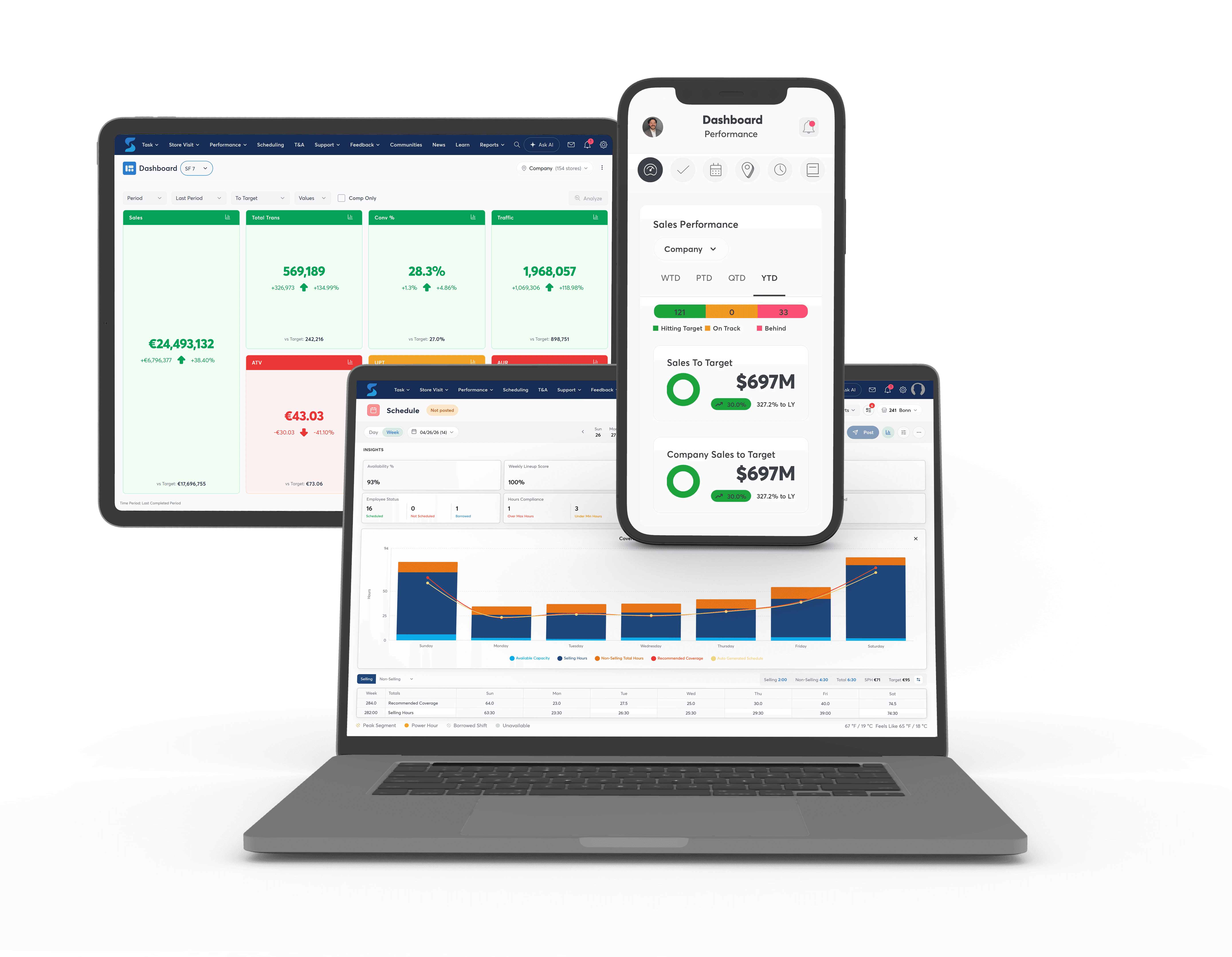
StoreForce brings scheduling, task management, communication, and performance visibility into one retail platform.
Managers can build schedules around demand, review peak coverage, coordinate operational work, and investigate results. Field leaders can use the same information to identify patterns and provide targeted support.
Bell adopted StoreForce’s Autogen scheduling and KPI visibility across more than 500 stores. It reported conversion increasing by up to 9% within three months, a 2.5% reduction in labour inefficiencies, and better overtime control.
[Read the Bell case study]
Book a StoreForce demo and bring a recent schedule. Explore where coverage falls short, how store work affects selling time, and what your next schedule could do differently.
Retail Employee Scheduling Software FAQs
Can scheduling software help improve sales?
Better alignment with demand can give customers more access to assistance and support conversion. Product availability, associate capability, and customer intent also affect the result.
Can retailers improve coverage without adding hours?
Some can by adjusting shift timing, breaks, and task assignments. Review minimum operating requirements and workload before moving hours. Additional capacity may still be needed.
How is retail scheduling different from basic shift planning?
Retail scheduling must account for changing customer demand, service roles, labour targets, and operational work alongside employee availability.
What should managers review before publishing a schedule?
Check peak coverage, required skills, availability, breaks, workload, and labour targets. Resolve any conflict between the work expected and the capacity available.

See How StoreForce Can Work for Your Stores
Book a quick chat with us today, to improve your retail operations tomorrow.
Speak To A Retail Expert


