Workforce Analytics in Retail: What They Are and Why They Matter
Learn how data-driven insights improve scheduling, boost performance, and drive smarter retail decisions.
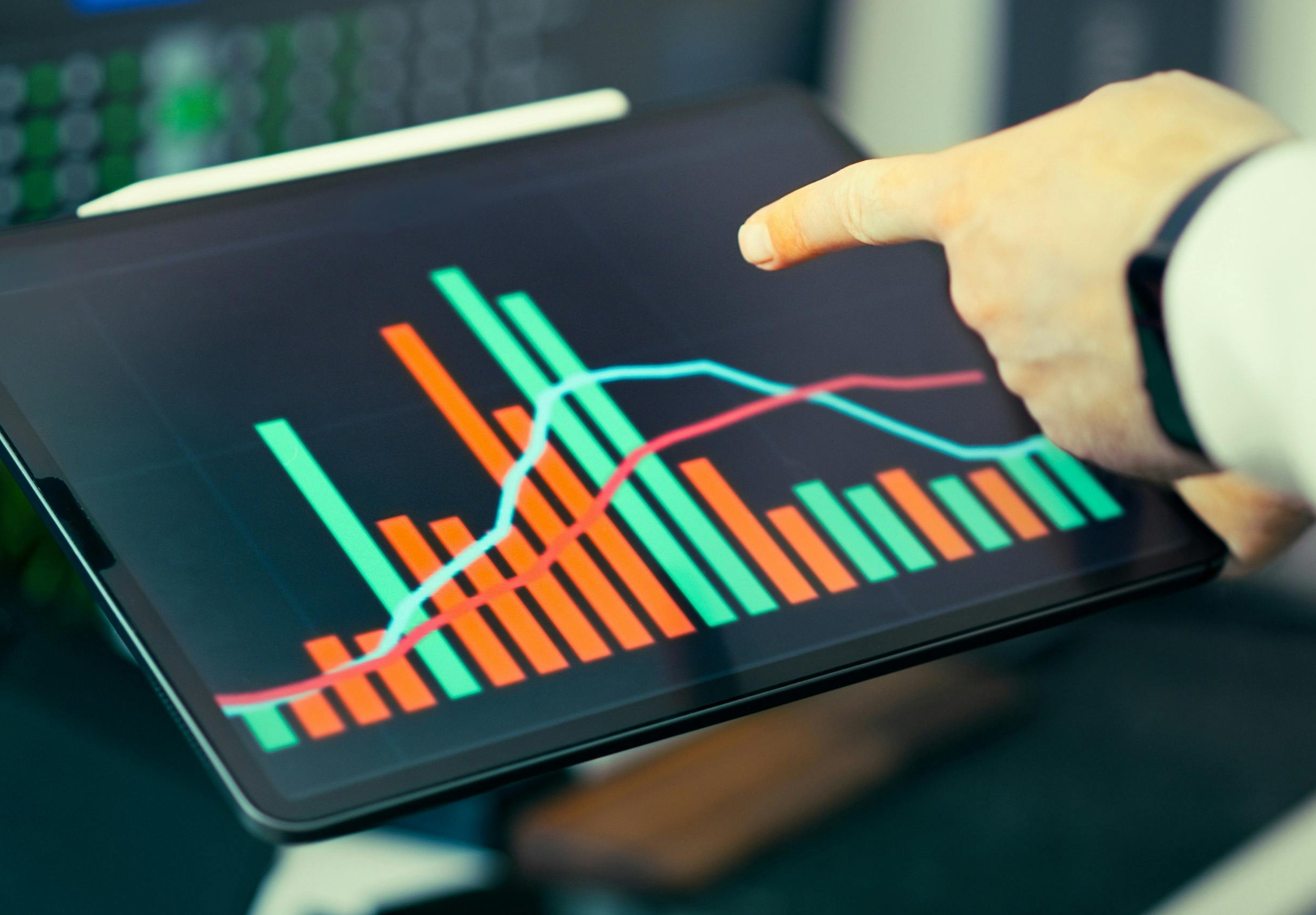
Workforce analytics is one of the most important tools in modern retail. Workforce analytics helps retailers understand their people, improve scheduling, control labor costs, and increase store performance. If you want better results from your team, workforce analytics gives you the data to make smarter decisions.
In this guide, we explain what workforce analytics is, why it matters, and how it can improve retail operations across every store.
What Are Workforce Analytics?
Workforce analytics is the process of collecting and analyzing employee data to improve business performance. It looks at scheduling, labor hours, productivity, sales results, attendance, and more.
Instead of guessing, managers use workforce analytics to answer questions like:
Do we have the right number of staff on the floor?
Are we overspending on labor?
Which teams perform best?
When are we missing sales due to under staffing?
Workforce analytics turns workforce data into clear insights that managers can act on quickly.
Take control of your store performance
Book a demo with StoreForce today and run your retail operations better tomorrow.
Book A Demo
Key Metrics That Are Tracked in Workforce Analytics
To get real value from workforce analytics, retailers must track the right metrics. Workforce analytics only works when managers can clearly see how labor connects to sales, service, and execution in the store. The metrics below are the ones most retailers rely on every day to make better decisions.
Labor Cost as a Percentage of Sales
This metric shows how much of your revenue is being spent on labor. It is one of the most important numbers in retail because it directly affects profitability.
If labor cost is too high, your store may be overstaffed or not converting enough sales. If it is too low, you may not have enough staff on the floor to support customers.
Tracking this daily or weekly helps managers adjust schedules quickly so they stay on target without hurting the customer experience.
Sales per Labor Hour
Sales per labor hour measures how productive your team is. It tells you how much revenue is generated for every hour worked.
A higher number means your team is working efficiently and converting customers well. A lower number may point to overstaffing, poor scheduling, or missed sales opportunities.
Retailers often use this metric to plan schedules around peak selling times and make sure top performers are working during busy periods.
Schedule Adherence
Schedule adherence tracks whether employees are working when they are scheduled to work. This includes arriving on time, leaving at the right time, and taking breaks as planned.
Poor adherence can lead to gaps in coverage, increased labor costs, and a weaker customer experience.
By monitoring this metric, managers can spot patterns, coach employees, and keep store coverage consistent throughout the day.
Overtime Rates
Overtime rates show how often employees are working beyond their scheduled hours. While some overtime is unavoidable, too much of it can quickly increase labor costs.
High overtime often signals scheduling issues, understaffing, or poor planning.
Retailers track this closely to control costs and ensure hours are distributed more evenly across the team.
Employee Turnover
Employee turnover measures how often staff leave and need to be replaced. High turnover is expensive and disruptive. It leads to more hiring, more training, and less experienced staff on the floor. Tracking turnover helps retailers understand if there are deeper issues with scheduling, workload, or store management.
Lower turnover usually means a more stable team, better service, and stronger sales performance.
Task Completion Rates
Task completion rates show whether daily store tasks are being finished on time. This includes things like restocking, merchandising, cleaning, and promotions setup.
If tasks are not being completed, it often means staff are either too busy or not scheduled at the right times. This metric helps managers balance selling time with operational work so nothing falls behind.
Traffic to Staff Ratio
This metric compares how many customers are in the store to how many employees are working. It helps retailers understand if they have the right level of coverage at any given time.
If there are too many customers and not enough staff, service suffers and sales are lost. If there are too many staff and not enough customers, labor costs increase without a return.
By tracking this ratio, managers can align staffing with real customer demand and improve both service and efficiency.
Why These Workforce Analytics Metrics Matter
Each of these analytics tells part of the story. When combined, they give a clear view of how well your store is running.
Retailers that track these consistently can:
Spot problems early before they affect sales
Adjust schedules based on real demand
Control labor costs without hurting service
Improve team performance and accountability
This is where having the right system matters. With a platform like StoreForce, managers can see all of these workforce analytics metrics in one place, in real-time, and act quickly.
If you are not tracking these metrics today, you are missing a clear opportunity to run your stores more efficiently and hit your targets more consistently.
Retail runs on people. If staffing is off, performance suffers. Workforce analytics matters because it connects labor planning to real business results.
Here is why it is so important:
1. Controls Labor Costs
Labor is one of the largest expenses in retail. Workforce analytics shows where you are overspending and where you may be understaffed. This helps managers schedule smarter and stay within budget.
When labor matches demand, stores avoid wasted payroll hours and lost sales.
2. Improves Scheduling Accuracy
Guesswork scheduling leads to problems. Workforce analytics uses past sales data, traffic trends, and productivity metrics to build better schedules.
Managers can see peak hours, slow periods, and staffing gaps. This leads to more accurate schedules and stronger store coverage.
3. Boosts Store Performance
When the right people are working at the right time, stores perform better. Workforce analytics links labor hours to sales results, conversion rates, and customer experience metrics.
It shows which staffing patterns produce the best outcomes. That means managers can repeat what works and fix what does not.
4. Increases Accountability
Clear data creates accountability. Workforce analytics tracks attendance, task completion, productivity, and performance by role or location.
District managers can see what is happening across every store in real time. Store managers can quickly identify issues before they grow.
5. Supports Smarter Decisions
Without workforce analytics, decisions rely on instinct. With workforce analytics, decisions rely on data.
That leads to better hiring plans, better labor allocation, and better long term planning.

How Workforce Analytics Improves Multi-Location Retail
Workforce analytics becomes even more important when managing multiple stores. Without visibility, it is hard to keep performance consistent.
With a centralized system, leaders can:
Compare labor performance across locations
Identify top performing stores
Spot scheduling inefficiencies
Standardize execution
Consistency across locations leads to stronger brand performance and more predictable results.
Common Workforce Analytics Challenges
Even though workforce analytics is powerful, many retailers struggle to use it effectively. The problem is not the lack of data. Most retail businesses already collect large amounts of workforce data every day through scheduling systems, payroll platforms, POS systems, and task management tools. The real issue is that this information is often spread across multiple systems that do not connect. Managers are forced to pull reports manually, update spreadsheets, and piece together insights on their own. This takes time and increases the risk of errors.
Another common challenge is limited real-time visibility. By the time reports are reviewed, the moment to fix the issue may have already passed. Labor overspending, missed sales opportunities, and productivity gaps can continue for weeks before anyone notices a pattern. On top of that, many retailers lack clear performance benchmarks, so even when they see the numbers, they are unsure what good looks like. When workforce data lives in disconnected tools, insights arrive too late to make a real impact. That is why having scheduling, task management, and performance tracking in one place makes such a difference. It allows managers to see what is happening now and adjust before small problems turn into bigger ones.
How Technology Supports Workforce Analytics
Modern retail operations software makes workforce analytics easier to use. Instead of pulling reports from different systems, managers can see scheduling, tasks, and performance in one dashboard.
This gives store leaders real time insight into:
Who is working
What tasks are complete
How labor compares to sales
Where adjustments are needed
When managers can see what is happening right now, they can act right now.
Workforce Analytics and Employee Engagement
Workforce analytics is not just about cost control. It also supports employee engagement.
When schedules are fair and aligned with demand, teams feel less stressed. When performance expectations are clear, employees know what success looks like.
Clear goals, accurate scheduling, and balanced workloads create a better work environment. That leads to stronger retention and improved customer service.
What to Look for in a Workforce Analytics Platform
If you are evaluating workforce analytics software, look for a solution that:
Connects scheduling, task management, and performance tracking
Provides real time visibility across all stores
Offers clear, simple dashboards
Makes it easy to compare locations
Reduces manual reporting
The goal is not more data. The goal is better decisions.
Why Workforce Analytics Is No Longer Optional
Retail competition is intense. Margins are tight. Customer expectations are high.
Workforce analytics helps retailers stay in control of labor costs while improving performance. It gives leaders clarity. It gives managers direction. It gives teams structure.
Retailers that rely on guesswork fall behind. Retailers that use workforce analytics build consistent, high performing stores.
Ready to Better Understand Your Workforce Analytics?
If you want better scheduling, stronger execution, and clearer visibility across your stores, workforce analytics is the place to start.
StoreForce helps retail teams plan schedules, manage daily tasks, and track performance in one organized system. Managers can see what is happening in every store in real time and adjust quickly to hit goals.
Book a demo with StoreForce today and see how workforce analytics can help your stores run more consistently and efficiently.

Retail Execution With StoreForce
Improving labor, tasks and overall execution is just a click away. Book a demo today and see what the right retail workfroce manageemnt software can do for your teams
Speak To A Retail Expert